MAGAZINE
Watch six TV channels at once on one screen
Television rests on an idea so old we no longer notice it: you watch one thing at a time. You choose a channel, stick with it, and everything else disappears. Terondo has a button that quietly refuses this idea — and once you’ve used it, going back feels strangely restrictive.
On the right edge of every TV page is a small tab marked Multi-live. Click it and you land on a grid where up to six channels play at once. Not six thumbnails: six live feeds, together, each one a click away from taking up the whole screen.
Why six, and why TV only
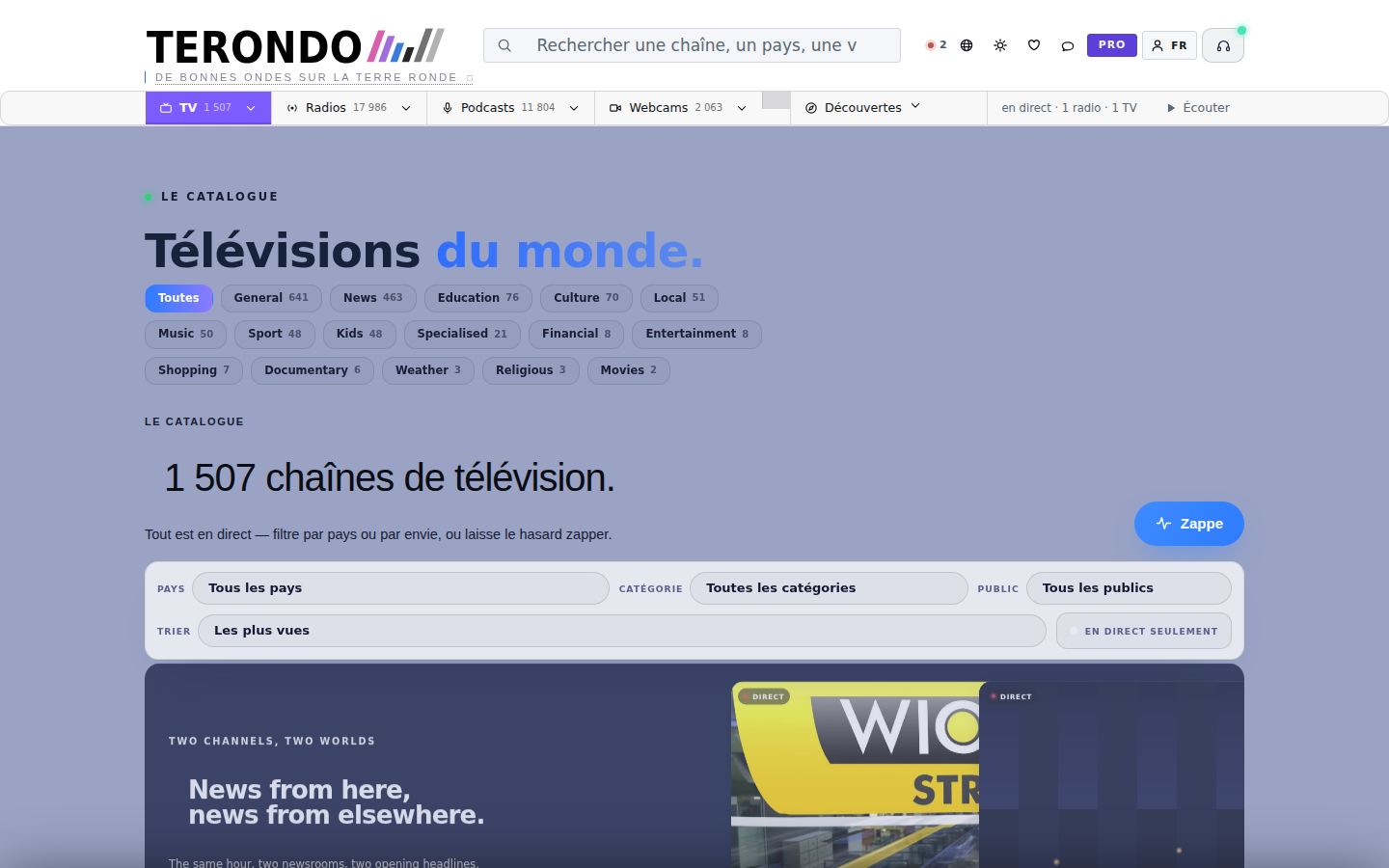
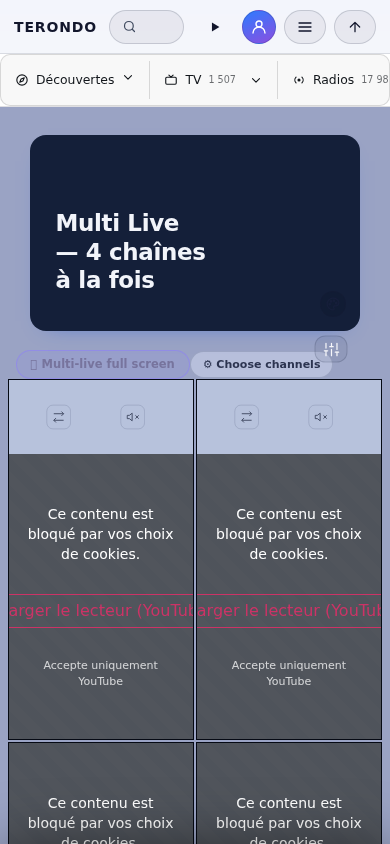
Six isn’t a round number chosen to make a slogan. It’s about where a screen stops being a grid and becomes a wall: beyond that, the images are too small to read and the whole thing turns into a screensaver. Six fits comfortably on a laptop, and looks genuinely good on a large monitor.
You’ll only see the button on TV pages. That’s deliberate. Radios and webcams already have their own companion player on Terondo, and stacking a second one would put two things in competition in the same corner of the same screen. A feature that’s everywhere isn’t more generous — it’s just less considered.
What people actually do with it
The obvious use is news. An event unfolds and each broadcaster frames it differently: one opens on the crowd, another on the officials, a third has a reporter where the others haven’t arrived yet. Watching three at once isn’t overload — for a viewer, it’s the closest thing to reading the same story in three newspapers before deciding what happened.
Then there’s sport, whose appeal is obvious to anyone who’s ever missed a goal because they were on the wrong channel. And there’s the use we didn’t anticipate: people set a news channel, a music channel, and a landscape side by side, and let them run. Not really watching. More like keeping a window open.
It costs less than you’d think
Running six live feeds sounds like the sort of thing that melts a laptop. It would, if each player acted as though it were alone on the page. Ours don’t: a feed that moves off-screen stops demanding attention, only one carries sound at any given moment, and a watchdog quietly restarts whatever gets stuck instead of leaving a frozen rectangle.
That last point matters more than it seems. On a wall of six images, a frozen one is easy to miss — you could be staring at a still picture, thinking the broadcast had simply gone quiet.
One sound at a time, always
The rule that makes the whole thing usable is the simplest one: only one feed is audible, never two. Click on an image, and the sound moves there. Nothing comes up behind you, nothing overlaps, and you’re never left searching through six players for the one that started talking.
It sounds like a small courtesy. It’s the difference between a tool and a jumble.
Multi-live is on every TV page — the tab at the right edge. It costs nothing and requires no account.